Jason | Building a Multilingual Independent Website with Shopify
Recently I've been working on an independent website, very dedicated and enjoying it, treating it as a daily pleasure.
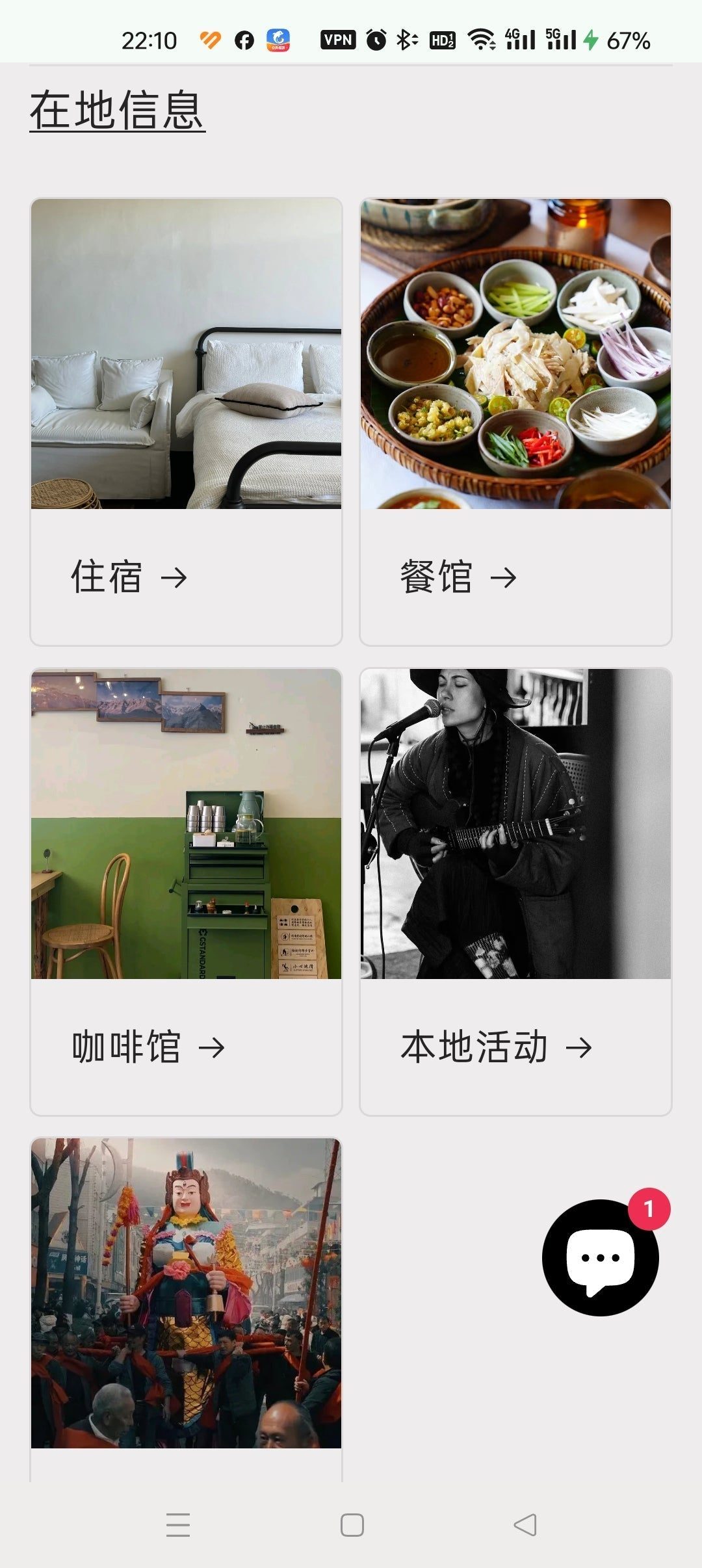
Recently I've been working on a website, very dedicated and enjoying it, treating it as a daily pleasure. The reason is to attract international clients, as most of them find it inconvenient to use WeChat mini-programs. Additionally, with increasingly fierce competition on the horizon, we can leverage our language advantages—languages we can speak include English, Japanese, French, Korean, mainly English. This also encourages everyone to learn languages.
Origin: Earlier, I created some English itinerary descriptions, but on one hand, the proportion of international clients was too low compared to the effort needed to maintain and update them; on the other hand, they were just itinerary descriptions without a full English booking system, so the effect was limited. This summer, Vera and I met at Pushi for a chat, and she mentioned that due to the visa-free policy, the number of inbound tourists has significantly increased, and this is clearly felt in Shanghai's tourism industry. I said: The 144-hour transit visa-free policy only allows time to visit big cities, not yet reaching Yunnan; I hope the policy becomes more relaxed in the future. Some time ago, the number of visa-free entry countries was greatly expanded, and even the visa-free stay increased from 15 days to 30 days. I started looking for ways to build a new system.
Decision: Making an English version of the existing mini-program is one option. The advantage is that it can directly use the Chinese version's database; the disadvantage is that many foreigners do not use WeChat mini-programs. Moreover, the demand for English localization is not obvious to mini-program vendors, and progress is controlled by them, possibly dragging on indefinitely.
Finalizing: I searched online for possible multilingual website building methods. There was a domestic one, but it was somewhat complicated and not user-friendly; I found a few foreign ones, but none were ideal. A few weeks ago, I met Ningyi, and we discussed the demand from overseas clients. She mentioned that someone recommended Shopify, and they were considering using it. I had seen Shopify before but hadn't tested it deeply, thinking it was just an overseas product website similar to Taobao. After she mentioned it, I thought I should take another look at this website building tool. To my surprise, I discovered the power of this tool far exceeds my imagination. One of its most powerful features is its app store, with various third-party plugins that can solve different problems. For example, the ability to book dates and time slots is handled by a calendar plugin, with over a dozen suppliers—some free, some around $15 per month (most in this price range). However, if it solves a key problem, this fee is acceptable. So, when things are open and reasonably commercialized, they are the healthiest and most diverse. There is no function that cannot be achieved, only what you haven't thought of. For example, I was always troubled by age selection: my family has an X-year-old child (or elderly person), what activities are suitable? By properly using the product's tag function, guests can easily find these activities themselves.
Accelerating progress: But researching an unfamiliar system to implement complex requirements requires a lot of learning, and often there are difficulties that slow progress. One day, I happened to tell Sisitong that I was using Google Translate to translate activity descriptions into English. She said ChatGPT is better and gave me a link to use. I had tried ChatGPT when it first came out, but due to IP restrictions in China, I stopped using it. Although I thought ChatGPT might be better, Google's translation function was already decent and could solve my basic problems. However, out of curiosity, I tried ChatGPT's translation feature. And then I was quickly won over by ChatGPT:
First, it can translate quickly and conveniently, clearly summarize, and rewrite in different tones.
Second, it can answer questions about building a Shopify website, and even write code according to my needs, telling me where to embed it. Suddenly, things became smooth, and many problems were solved. As long as you ask good questions or adjust them, it provides excellent multiple solutions.
Third, it can summarize an article, and it does it quite well, with clear formatting and numbered points. When I submitted an article without specifying translation, it evaluated the article and gave its own opinions and summary, quite insightful.
So, ChatGPT in this work is equivalent to a working group: a super efficient and excellent translator, a professional consultant giving suggestions on product functionality, a code engineer, and a copywriter. And all are available on call, solving problems in a minute. (Note: Since ChatGPT was temporarily not working, I tried Google Gemini, and it works similarly, and perhaps even more considerate in translation, like a truly responsible assistant offering multiple options and asking for your opinion. And there's no need to worry about how to use it domestically. So, the important thing is a method and mindset; different AI tools should be able to achieve it)
Problems solved so far (still using free or basic free plans, no paid plans yet. Will need to see if they are worth it when quantity limits are reached, but good features are worth paying for):
Multilingual solution: Base language is English (translated by ChatGPT), and Shopify can automatically translate into Traditional Chinese and Japanese (translation can be edited and adjusted). The system supports three language options.
Blog: Shopify integrates blog functionality. Previously, our blog was implemented through WeChat Official Account, but now it's better integrated. Additionally, once published on WeChat, it can hardly be modified, greatly limiting updates and corrections. Domestic platforms have their advantages, but their openness is indeed lacking in some aspects.
Supports all external links: So the latest activity photos and descriptions can link to Instagram, and customer consultation groups can link to Facebook Messenger. This openness is strongly resisted by domestic apps, which prefer everything to stay within their own closed loop. WeChat is somewhat open with its mini-program system, allowing some content linking.
Date/time booking issue: Solved with a free calendar tool called BookEasy, which can also send different activity orders to different email addresses. This is very good.
Activity categorization issue: First, activities can be displayed according to product series (product collections), automatically categorized by keyword judgment rather than traditional manual categorization. I use tags as the judgment basis, which is very flexible—modifying a tag automatically changes which category it belongs to.
Suitable age/content: Also using tags; with the built-in tool Search & Discovery, guests can filter according to age, difficulty, and activity content.
Review function: Implemented with the Judge.me plugin. This plugin not only allows writing reviews on individual activity pages but also adds the latest activity reviews to the homepage, allowing guests to see recently well-reviewed activities and directly click through to book.
AI consultation: Using the Juphy plugin. If guests inquire about activities, it gives suggestions based on the activity description text and directly links to it. You can also feed it some knowledge. The intelligence level is still uncertain.
Adding custom instructions: Added default instructions like "Assistance with pick-up/drop-off service" and "Cancellation and modification policy" on activity pages. Previously, these had to be added within the activity description.
Recommended products: The "Customers who booked this also booked" feature is implemented with the Essential Upsell plugin (free). The effect is unknown as there aren't enough orders yet. In the built-in Search & Discovery, you can manually set recommendations or complementary products.
Most popular activities: A product collection containing all activities, automatically ranked by the number of bookings, is created.
Integrating Instagram into Shopify: Shopify itself does not have a powerful video and photo library; it needs supplementation from Instagram. A link can be created to store daily photos and videos. It could also be a potential traffic-generation tool.
Customer consultation group: Facebook Messenger chat group.
Payment: Currently using PayPal. All other methods require having a company overseas (Hong Kong, Macau, Taiwan). The system can also be set to non-payment booking (free booking, pay on-site).
Unresolved: Displaying a list of recently booked activities with dates.
These are some of the progress made so far.
The new website URL is: dalitrip.com
2024.12.08
After two weeks of learning, I have some new insights:
So far, no paid apps have been used. The useful ones are several free and built-in tools:
BookEasy calendar booking: The simplest and most user-friendly in setup, and currently free. I tried most other calendar booking apps; most are focused on short time slots or recurring daily schedules (like doctor appointments), making them cumbersome for activities that occur once or twice a day. I wanted a display of available activities per day on the homepage, but couldn't find one. Some have it, but the interface is very ugly and not user-friendly.
Meta fields: This is a very powerful custom feature. You can add fields to describe activities, such as distance, recommended age, and use field values in smart filters to include in product collections. For example, activities within 10 km can automatically generate a collection (product series) to display on the homepage. Combined with Nitrolookbook album (free), you can display specific photos (like reviews or seasonal photos) in a slideshow format that doesn't take up space.
Shopify Search & Filter (built-in feature): Allows filtering activities based on different fields. For example, after entering a collection, guests can further filter by their needs (age). Originally, I planned to use it entirely for guest filtering, but it was a bit unfriendly. For specific collections, I solved it with smart product series, e.g., a collection for "suitable for 5-year-old children" that guests can directly enter.
Custom templates: Combined with custom meta fields, modifying the default template into a custom template with different fields (since descriptions for different product categories vary greatly) allows me to add "Accommodation" (at the leader's home, expandable in the future) and "Leader Introduction" as separate categories in the system, creating a hybrid site like AirBnb with both activities and rooms. Since BookEasy has multi-day booking (most calendar tools have this), booking rooms is also easily achievable. In the future, products can be added as a new category (e.g., bicycle rental from a bike shop, specimens from a plant studio, pottery works). The power lies in easy customization so others can conveniently upload information.
Obstacle: The domestic firewall may cause issues when editing Shopify content or when guests from China try to book, causing hangs. Due to different working modes, mobile device obstacles are more significant, but using a computer for setup and browsing is not a problem.
2024.12.26
Feel free to communicate; you can add my WeChat: lingjiec
2024.12.30
Today, I discovered that BookEasy calendar booking needs VPN to work in China. After remote check by an Indian engineer, it was found to be using Google services. A domestic IT friend said it should be using Google fonts, which is easy to fix.
2025.01.01
Achieved automatic language switching based on the client's language by adding a piece of code to the theme, as advised by ChatGPT.
I need to make a major change: changing the base language to Chinese and then having the system translate to English, because translating from Chinese to English is easier. Translating from English to Chinese causes major issues with place names and pinyin, requiring extensive proofreading, and more importantly, it will be a big obstacle for different leaders to edit their own activities later.
This is extra work due to lack of technical knowledge, but it's a learning experience. I had considered using English as the base language because I want to primarily attract English users, so I imagined entering the site in English, thus I put a lot of effort into translating Chinese into English. It never occurred to me that it could automatically switch based on the user's language.
2025.1.8
Today, I solved the issue of clicking directly from the independent site to the mini-program for booking. Because our mini-program has H5 pages, each activity can be a URL link. This connects the independent site to the mini-program. Now only remains how to link directly from the mini-program to the independent site. Good thing I asked Maya (mini-program vendor) instead of spending a whole day researching mini-program short links on my own.
Previously, booking issues caused by Google services (actually the calendar booking uses Google's reCAPTCHA) have been troubling me. Although it's not necessarily required, if directing guests to the new website (due to its power and usability) but they cannot book, and we need to explain booking methods for WeChat customers, it could cause confusion.
2025.1.13
Day before yesterday, I downloaded a plugin called Section Store, which has various component templates, such as video slideshows, photo slideshows, multi-page toggle (saving space, clear at a glance), which can compensate for the limited presentation of native templates.
This collapsible row is also very practical.
2025.1.27
Last night, I completely dismantled the homepage and started over, going from complex back to simple.
Changed from displaying everything on the homepage to a concise homepage, with rich content presented later. Please refer to a separate article: Progressive.
Photos and videos
계속 읽기
3
Jason | Using AI to Create Your Own Mini Program/Website
Two months ago in Chiang Mai, I stumbled upon the chance to start learning how to build mini programs. My AI programming mentor, Wangshen, told me, 'Once you finish your mini program, write a summary report.' Now I've completed the new mini program for Cangshan Hiking Home, and it's already being tested. It not only solves problems I've wanted to address for a while, like adding age tags to filter activities and providing an English version, but it has also introduced new features, such as browsing restaurants, guesthouses, and meeting points on a map for a more intuitive experience, and using AI to provide quite intelligent responses.

Learn AI Programming Together
Some information about AI programming
Celebrate the Torch Festival in a Nanzhao Royal Clan Village
Over the past two years, we have taken guests to celebrate the Torch Festival in Songhe Village, Eryuan. Together we slaughtered a sheep, and with the whole village, erected a huge torch in the center of the village square. Everyone made their own torches from hemp stalks, and together with the older and younger villagers, we rushed to grab the blessing baba (cakes) from the big torch, passing blessings to each other with fire. Even for me, a native Bai person, these are rare and precious traditional festival experiences. Dali has endless festivals, and I want to experience them more before they fade away. I remember the Torch Festival of my childhood: torches were no longer enough for me. Before the festival, I would tell my dad to prepare a bucket of waste engine oil and diesel, mix them together, and then I would tightly bind cotton and old cloth with rope into a ball (some kids would secretly take cotton from their quilts at home to make it). Finally, I would make an iron wire ball, soak it in the bucket of oil, and secretly take it out every day to look at it, looking forward to having a great time on the day of the Torch Festival. We would compete in the village and by the rice fields to see whose fireball or torch was more impressive. When the torches and fireballs were almost burned out, we would rush home, walk around the potted fruit trees in circles, and say blessing words, hoping they would grow even better in the coming year.